For fans
Submit a song to a live queue, pay to skip the line, and watch it get played.
Submitting to a creator's queue takes about a minute. You do not need an account, just an email address and a song.
Your account and submission history
An account is optional. If you sign in, your fan home at nero.fan/home shows your submission history and anything still waiting to be played.
Submit a song
- Open the creator's page at nero.fan/theirname. If they are live you will see their queue right away.
- Paste a song link or upload a file. Links from Spotify, Apple Music, SoundCloud, BandLab, YouTube, and Google Drive all work.
- Add your name, your email, and the track name. Some creators also ask a short question or for your phone number.
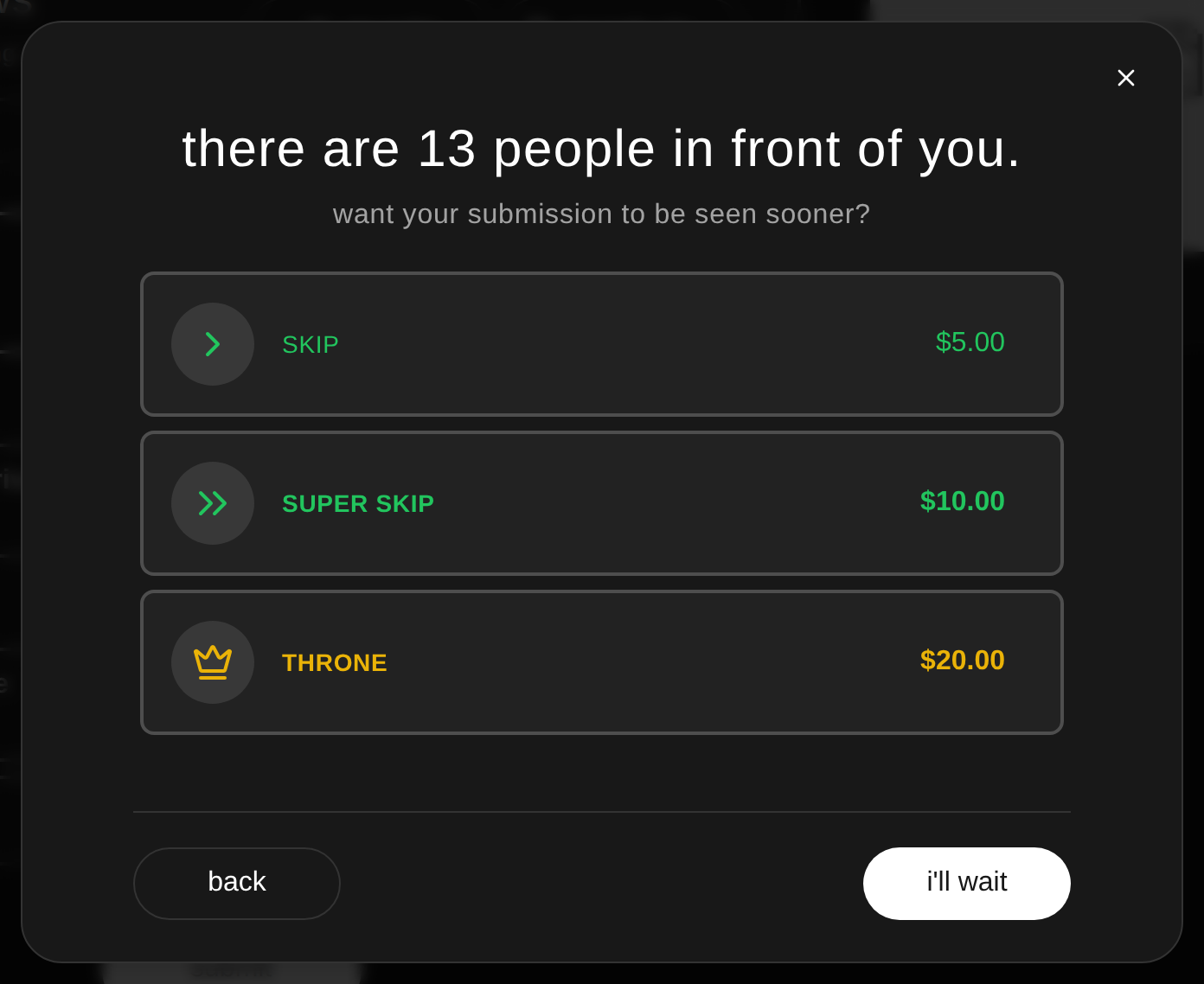
- Pick your spot in line. Standard is the base option. If the creator offers them, you can pay for a skip, a super skip, or the throne to move up. See how the queue works.
- Pay by card through Stripe if your option costs money. Free submissions go straight into the queue.
If uploads are busy, keep the page open. Nero keeps your selected file and retries automatically for about two minutes. You can cancel the wait at any time. If the upload still cannot start, try again later or use a supported song link.
Send a campaign
If campaigns are available on your account, choose a song and at least two hosts, then review each submission before paying. Reaction clips are selected by default for hosts who offer them. Uncheck any clip you do not want; its price comes off the total immediately. Clips are included in the same campaign payment.
After you submit
- Your queue position shows right after you submit.
- You get an email when your song is coming up, so you can watch it get played live.
- The queue always plays the highest paid tier first, and first come first served within each tier.
Listen to a creator’s radio
Where radio is available, choose Listen on the creator’s page and press play. Everyone hears the same song at the same point in a shared rotation of the creator’s favorite uploaded songs. Pause stops your audio; play rejoins the current broadcast. Mute only changes your sound. There are no skip or seek controls.
Good to know
- Some creators accept voice memos instead of song links. When it is turned on, you can record up to 60 seconds right in the submit form.
- Some creators run paid sessions where every submission costs money, or limit how many free submissions each person gets.
- All sales are final. A skip payment is not refundable once your song is in the queue. The full policy is in the terms of service.
- If something goes wrong with a submission, email support@nero.fan and we will take a look.