For creators
Set your prices, go live, run the queue, and get paid for submissions.
This guide walks through everything from your first session to getting paid. It takes about five minutes to go from a new account to a live queue.
Set up
- Create your account with email or Google. Your public page is nero.fan/yourname.
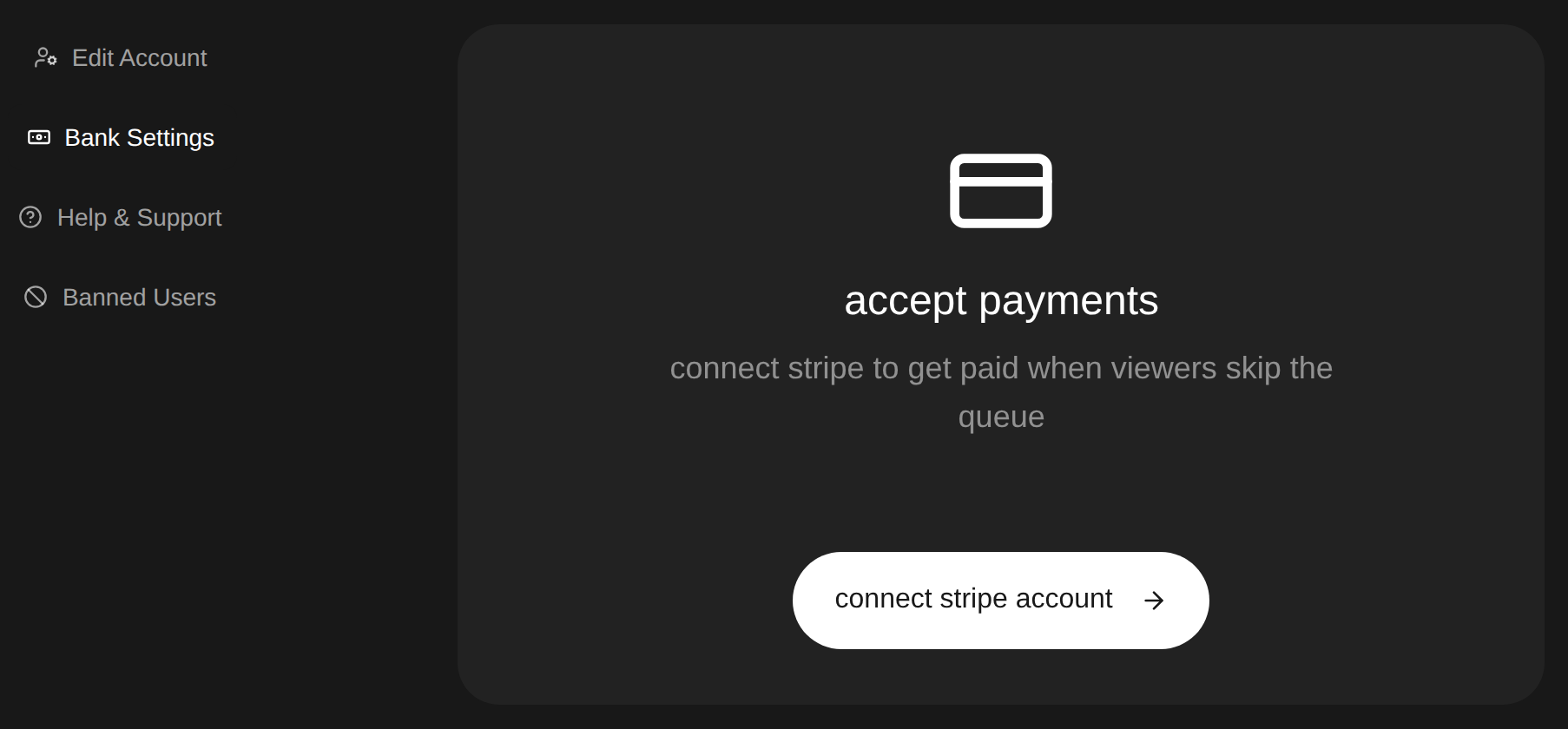
- Connect Stripe under Account, Bank Settings so you can set prices and receive deposits. Stripe usually reviews new accounts the same day, though some take 1 to 2 days.
- Fill out your profile. Your page is where fans submit, so the link you share everywhere is just your page URL.
Price your queue
You set every price yourself when you create a session. These are the options and their minimums.
Go live
On your first go-live, Nero creates a monthly bundle using your queue prices: 2 skips and 1 super skip at 37.5% off. The price rounds to the nearest cent with a $5 minimum. Edit or hide it in Account, Bundles. Existing bundles stay as you set them. If your account cannot accept payments yet, the new bundle stays hidden until you publish it.
- Start a session from your page. Give it a title, pick your prices, and either go live right away or schedule it at least an hour ahead. Scheduled sessions can accept submissions before you start.
- Share your page link, or put the queue on your own site with the embed widget.
- Send a live alert when you start. Nero emails the next 50 people still waiting in your queue.
Run the queue
- Play next always pulls from the highest paid tier first.
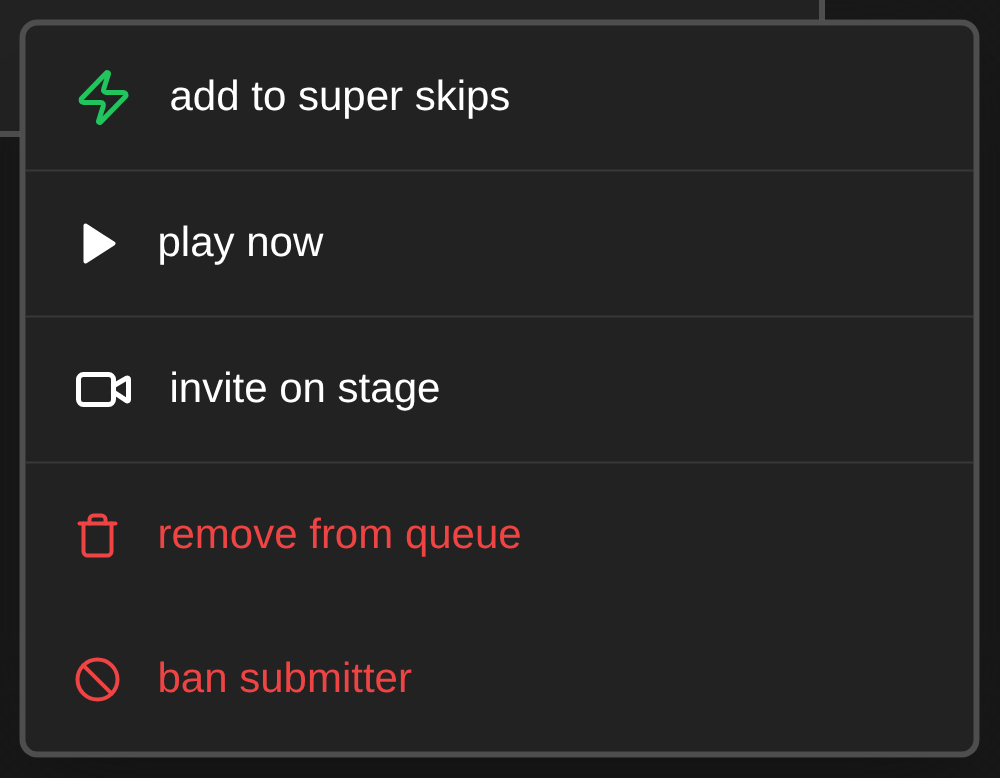
- Boost any submission to a higher tier, or play it immediately.
- Play previous brings back a song you already played.
- Remove or flag submissions, and pause new submissions at any time.
- You can cap paid submissions, auto-close submissions after a count or a time, and limit free submissions per person from the session settings.
Show the current song on stream
Open Overlays and choose Now Playing. Copy the URL into a browser source in OBS or TikTok LIVE Studio. The card updates as you move through the queue and checks for missed updates every five seconds. If a request fails, it keeps the last song visible and tries again automatically.
Show the wheel in OBS
Open Overlays and choose Spin the wheel. Copy the URL into an OBS Browser Source at 800 × 600. The URL keeps working across your sessions.
Open the wheel in your live queue to show it on stream. OBS follows the same spin and selected song. Close the wheel, or play the selected song, to hide it completely. Keep your Nero tab open while using the wheel. The example in Overlays is only a preview.
After the session
- Analytics shows revenue, paid submissions, your tier mix, and the best time to stream.
- The Fans tab lists everyone who submitted, with lifetime spend per fan. You can send that list to Klaviyo or to any other CRM automatically with the CRM webhook.
- Every past session keeps its full submission list.
Split a stream by host
If Nero has enabled host earnings reports for your account, open a session from Analytics, then choose Export CSV → Earnings by host. Choose the stream date and time zone, then enter a name and start and end time for each host. Overnight shifts roll into the next day. Choose View earnings, or Last host ends now for a stream that is still live.
Review estimated host earnings, assign earnings between shifts, and download a summary CSV or an itemized CSV of individual sales. Older separate add-on sales without a purchase time are excluded until you assign them. The schedule saves on this device. Allocations only change the report, not payouts.
Submissions and upgrades follow the song’s submission time. Separate add-ons with a recorded purchase time follow that time. Estimates use your current account share and a 50% clip share; refunds and bank payouts are not reconciled. Reports cover up to seven days and are available to the session owner for sessions without automatic collab splits.
Get paid
You keep 80% of every payment. Deposits go to your bank through Stripe, usually within 2 to 10 business days. The details are in payments and payouts. If you refer other creators, you also earn 5% of what they make for 2 years through the partner program.